
Clean scans, automatically
Pagefold finds the edges, then crops, straightens and cleans up every page. Scan many pages into one PDF, or import photos from your gallery.
Find any word
The text in each scan is read on your phone, so you can search all your scans by a word inside them, then copy or share the text.
Save it your way
Save a PDF to Downloads, Google Drive or any folder, save pages as images in your gallery, or share to any app.
Private by design
No sign-in and no upload. Your scans are stored on your phone and leave it only when you save or share them.
Your files stay yours
Pagefold doesn't ask you to sign in and doesn't upload your documents. Scanning and text recognition happen on your phone.
Guides
Practical guides to scanning, PDFs and text recognition on Android.
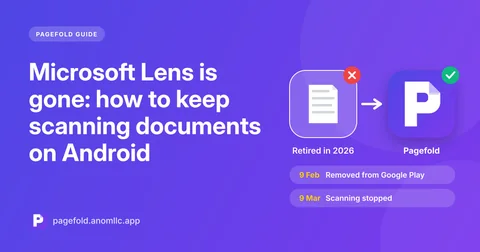
- Microsoft Lens is gone: how to keep scanning documents on Android
Microsoft retired Lens in 2026. What happened to your old scans, what Microsoft suggests instead, and how to switch to a free scanner that saves to your phone.
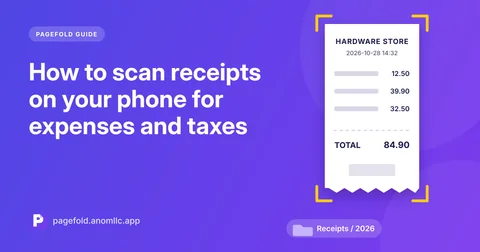
- How to scan receipts on your phone for expenses and taxes
Keep readable copies of receipts before the ink fades. How to scan receipts on Android, name and file them, and find any receipt later by searching its text.
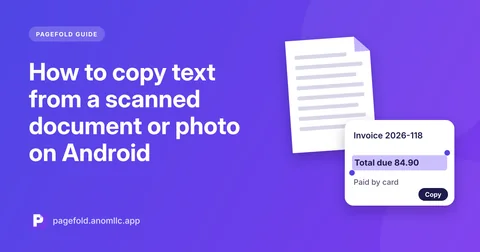
- How to copy text from a scanned document or photo on Android
Copy the words from a scan or photo on Android without retyping: how text recognition works, which languages it reads, and how to get accurate results.
Questions
Is Pagefold free?
Yes. Scanning, text recognition, saving and sharing are free, with no watermark on your PDFs.
Do I need an account?
No. Open the app and scan. There is no sign-up, email or login.
Does Pagefold upload my documents?
No. Scans are stored in the app's private storage on your phone and leave it only when you save or share them.
Which phones does it work on?
Android 8.0 or newer with Google Play services, which almost every Android phone sold outside China has.
Which languages can it read?
Text recognition reads languages written in the Latin alphabet, such as English, French, Spanish, German, Portuguese, Indonesian and Vietnamese.
Can I scan several pages into one PDF?
Yes. Keep scanning and every page goes into the same PDF. You can also add photos from your gallery.