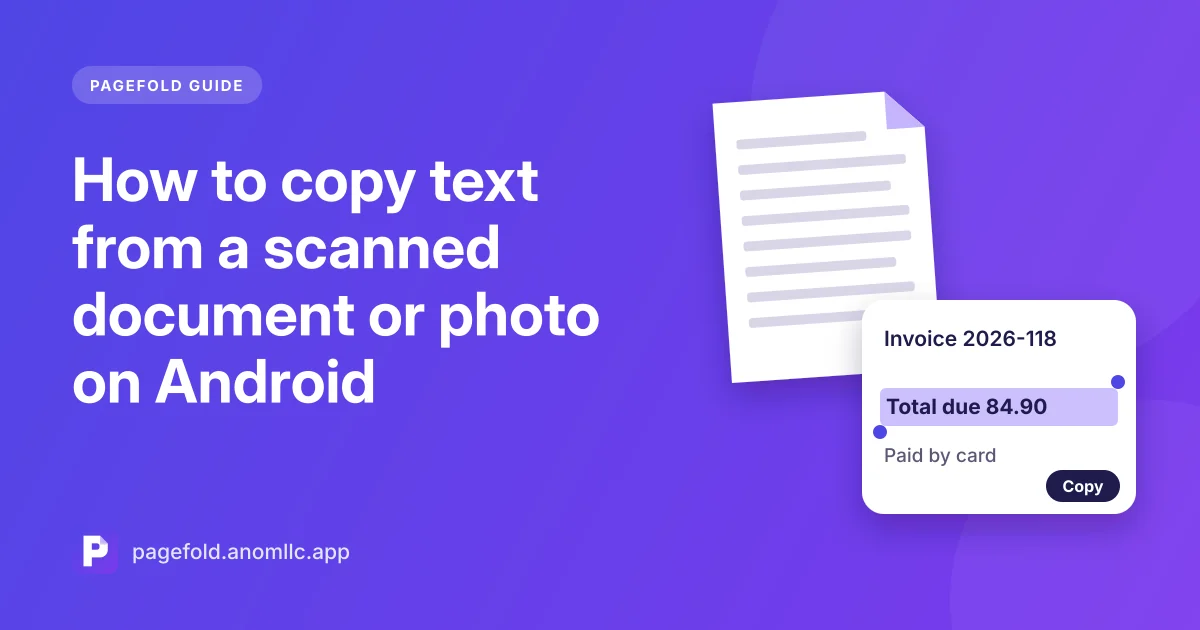
Retyping a page by hand is slow and full of mistakes. Text recognition, often called OCR (optical character recognition), reads the words in a picture and turns them into text you can copy, paste, search and edit. Your Android phone can do this in seconds, without sending the page anywhere.
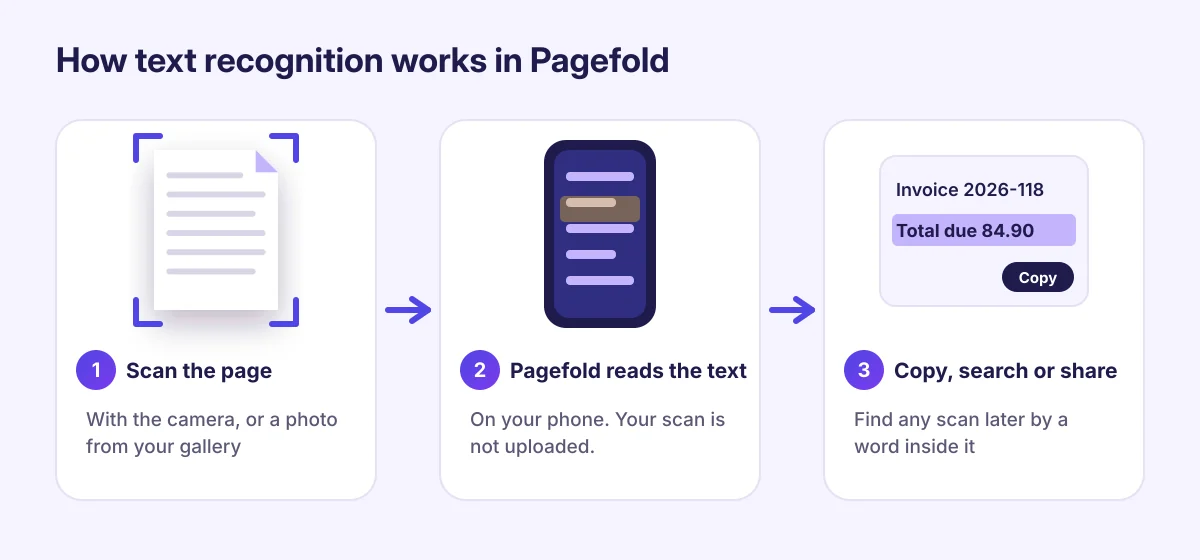
How to copy text from a scan with Pagefold
- Open Pagefold and tap Scan a document. Scan the page, or use the scanner's import from gallery option for a photo you already have.
- Save the scan. Pagefold reads the text in the background, right on your phone.
- Open the scan and tap Text.
- Tap Copy to copy everything, or press and hold to select just part of it.
- Paste it into a message, an email, a note or a document.
To send the text instead, tap Share text.
Search every scan by a word inside it
Because Pagefold keeps the text of every scan, the search box on the main screen finds documents by their content, not just their name. Search for an invoice number, a company name or a word you remember from a letter, and the matching scans appear with "Found in text" under them.
Which languages it reads
Pagefold uses Google's on-device text recognition for the Latin alphabet. Google lists more than 30 supported languages, including:
- English, French, Spanish, Portuguese, German, Italian, Dutch
- Indonesian, Malay, Filipino, Vietnamese, Turkish
- Polish, Czech, Romanian, Swedish, Danish, Norwegian, Finnish
Scripts such as Arabic, Chinese, Japanese, Korean and Devanagari (Hindi) aren't read yet.
Getting accurate results
Text recognition is very good with clear, printed text and weaker with everything else. To get the best results:
- Scan, don't just photograph. The scanner straightens the page and boosts contrast, which helps recognition.
- Use good, even light and avoid glare on glossy paper.
- Get close. Small print in a photo of a whole poster is hard to read; fill the frame with the part you need.
- Printed text works best. Neat handwriting is sometimes read correctly; messy handwriting usually isn't.
- Check numbers before you rely on them. Recognition can confuse similar characters, such as 0 and O, or 1 and l. Always double-check account numbers, amounts and dates.
What text recognition doesn't keep
The copied text is plain text. Bold, columns, tables and the exact layout aren't preserved, so paragraphs from a two-column page may come out one after the other. For forms and tables, it's often easier to copy the few values you need than the whole page.
Is it private?
Yes. Recognition runs on your phone, and Pagefold doesn't upload your scans or their text. The text stays in the app until you copy or share it. See the privacy policy for details.