Search for a scanner app and you'll find hundreds that call themselves free. Often the catch only shows up when you try to save your first document: a logo stamped across the page, a sign-up screen, or a subscription offer that won't go away.
Here are the common catches, how to spot them on Google Play before you install, and what we did differently with Pagefold.
The usual catches in "free" scanner apps
| Catch | What it looks like |
|---|---|
| Watermark | The app's name or logo is printed on every exported page until you pay |
| Forced account | You must sign up with email or Google before you can scan or save |
| Cloud by default | Scans are uploaded to the developer's servers, sometimes before you choose to share |
| Page or export limits | Only a few scans a day or month, or PDF export locked behind payment |
| Free trial that renews | A "free" week that turns into a yearly subscription unless you cancel in time |
| Heavy ads | Full-screen ads between every scan and every save |
None of these is against the rules. Developers need to earn money. But you should know what you're agreeing to before you scan a passport or a bank letter.
How to check before you install
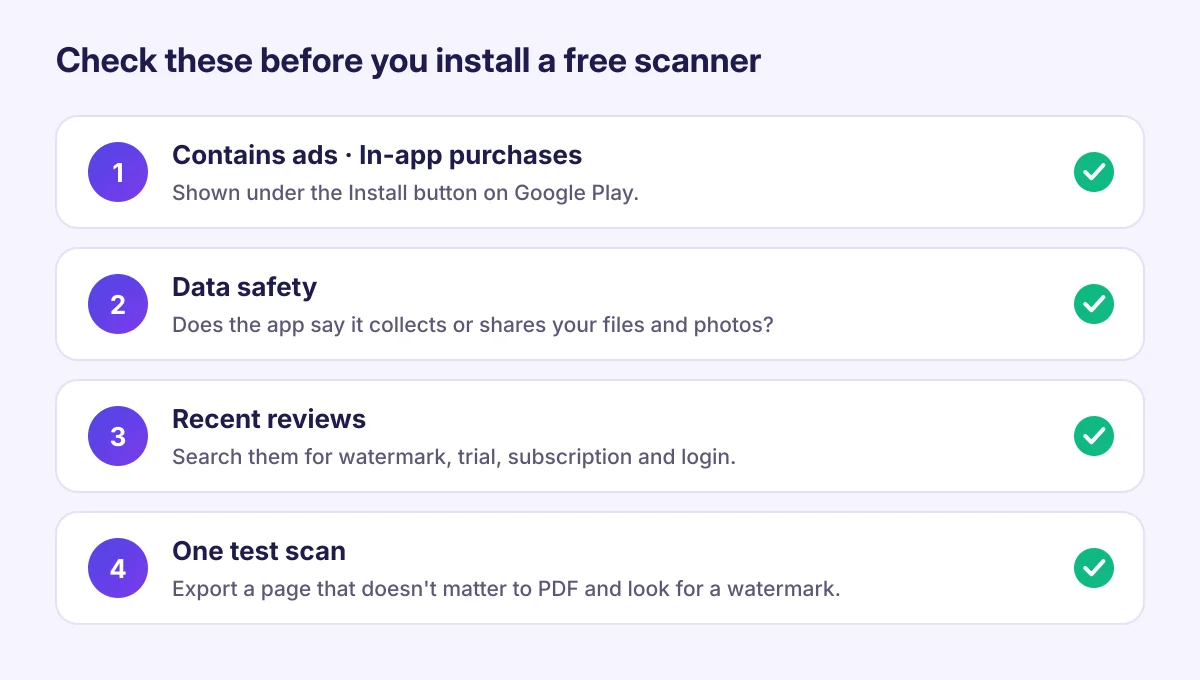
You can spot most catches from the Google Play page in two minutes:
- Look under the Install button. Google Play shows "Contains ads" and "In-app purchases" there when they apply.
- Open the Data safety section. It shows what data the developer says the app collects and shares, and whether you can ask for data to be deleted. An app that says it uploads files or photos sends your scans off your phone.
- Search the reviews. Look for words like "watermark", "subscription", "trial" and "login". Recent one-star reviews are where hidden catches show up.
- Try one test scan. Scan a page that doesn't matter and export it as a PDF before you trust the app with anything important. Open the PDF and check for a watermark.
What a genuinely free scanner should do
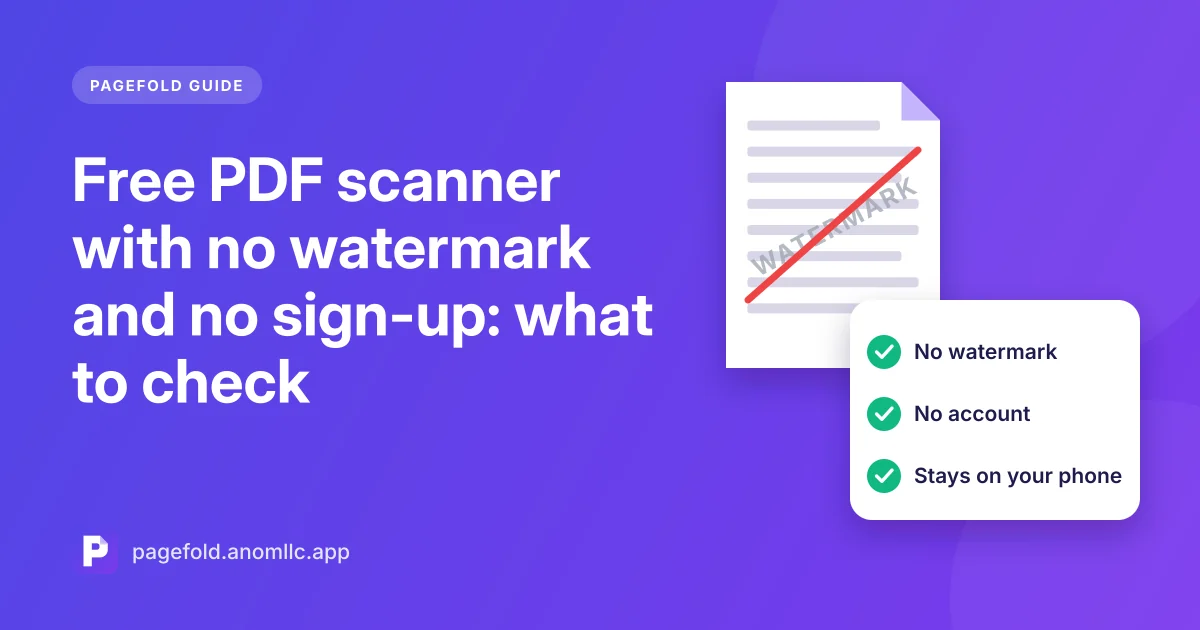
- Scan and export PDFs with no watermark
- Work without an account
- Keep scans on your phone unless you choose to save them elsewhere
- Read the text in your scans so you can search and copy it
- Say clearly what costs money, if anything
How Pagefold handles it
Pagefold is our document scanner for Android. We built it around that list:
- No watermark on PDFs or images
- No account: you scan from the first screen
- Scans stay on your phone in the app's private storage, and are excluded from cloud backups
- Text recognition runs on the phone, so you can search and copy without uploading
- Save anywhere you choose: Downloads, Google Drive or any folder, or share to any app
Scanning, text recognition, saving and sharing are free. If we add paid extras later, the free core stays free and the store listing will say exactly what the extras are. Read the privacy policy for the full details.